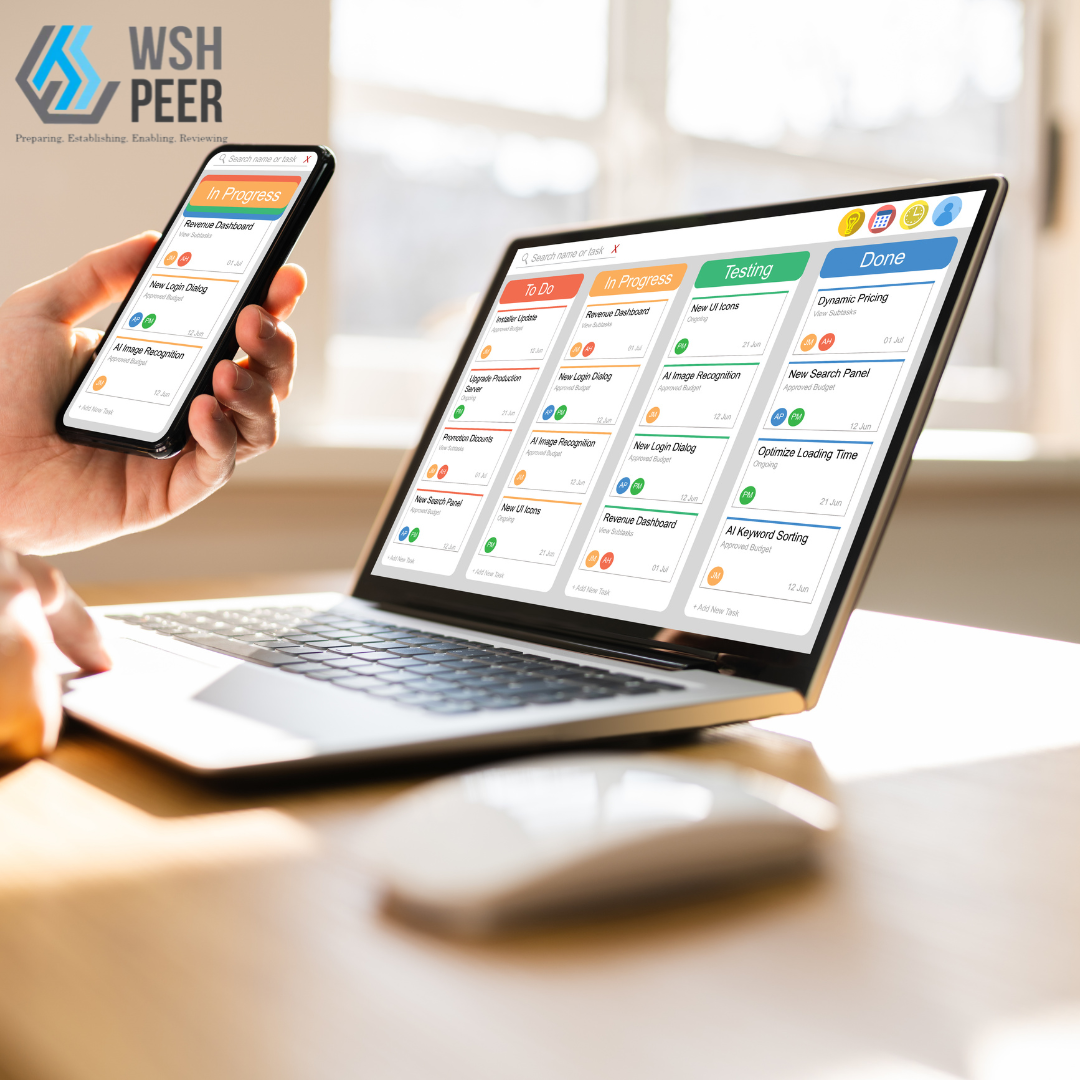

Learn how to register a new user on PEER. This video guides you through entering user details, setting access rights, and assigning projects. New users will receive a verification email to complete their registration.
Learn how to edit user information in Peer. Update details like photo, name, mobile, and designation. Email changes require re-verification by the user. Save changes to finalize the update.
Admin users can reset passwords for other PEER users. This video covers how to find the user in the User Management menu, reset their password, and prompt them to change it upon their next login.
Admin users can lock or unlock a user’s account in PEER through the User Management menu. This video shows how to manage user access by locking or unlocking accounts.
Learn how to delete a user account in PEER using the User Management menu. This video covers searching for the user, selecting the Remove option, and confirming the deletion.
The Audit Trail feature in PEER is available only to users with Administration access rights. This feature logs user activity, including Full Name, Login Time, Logout Time, and Company information.
Learn how to set up PTW in Project Setup. This video covers accessing the Project Setup menu, setting up dependencies, copying templates from Master Data, and creating a master plan for PTW, including the necessary forms and user flow. It also includes configuring daily checklists for particular operations.
Learn how to set up RERTO Inspection Forms in Data Setup. This video covers accessing the Data Setup menu, selecting the project, copying templates from Master Data, and configuring the necessary forms for the RERTO checklists.
Digitally manage permits to work, ensure compliance, and protect your teams with one integrated platform