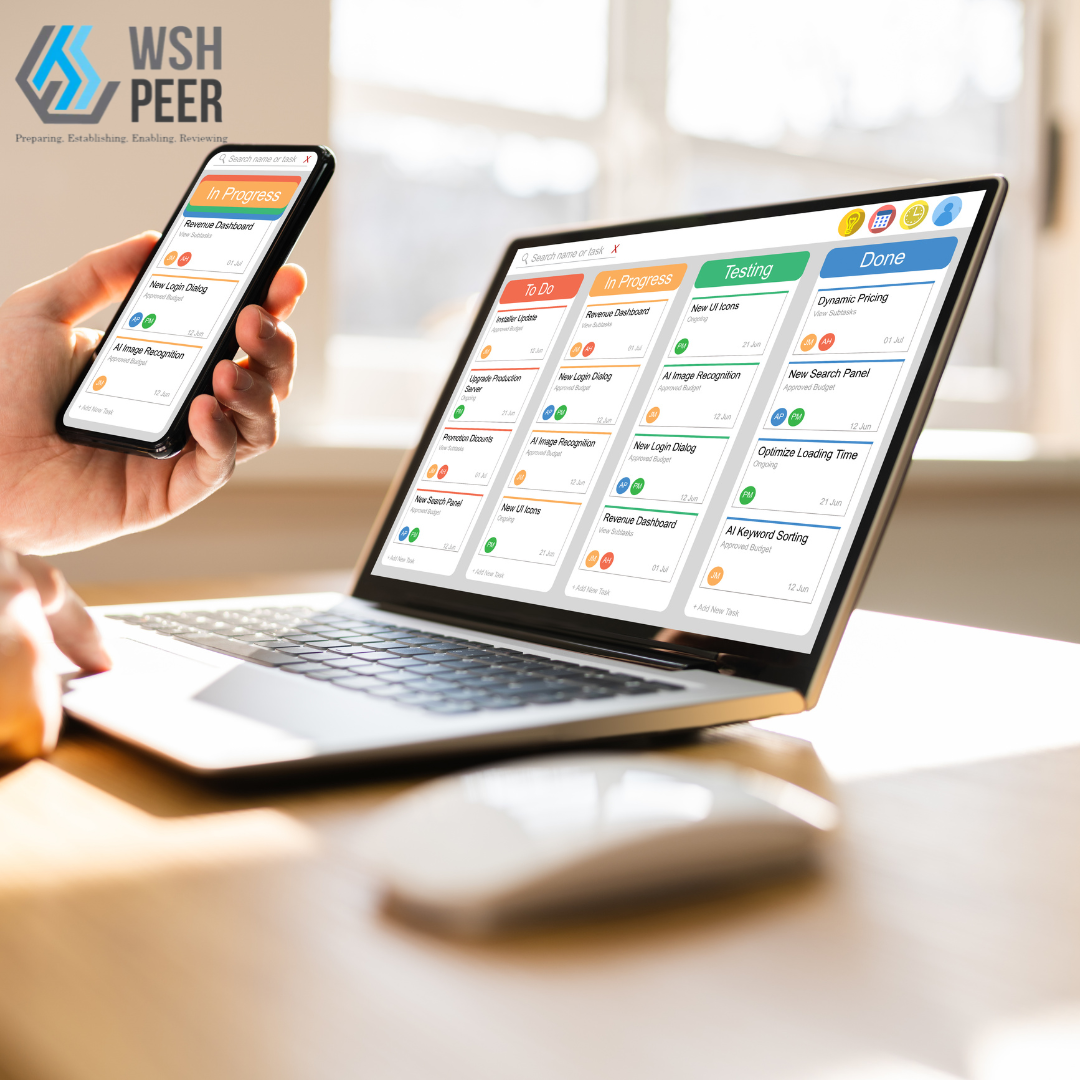
PEER is a health, safety, and environment (HSE) management platform for conducting inspections, logging findings, assigning corrective actions, and tracking compliance. The demo covers five core workflows: conducting an HSE inspection, creating a finding, bulk submitting findings, logging corrective actions, and reviewing corrective actions through rejection or approval.To conduct an HSE inspection, users access a central dashboard and launch a new inspection. The calendar view can be toggled between weekly and monthly. Users schedule inspections for a specific date, select the target organization and department, assign an executive responsible for oversight, add observation notes, and save the record.To create a finding, users open an active inspection and navigate to the Findings section. A new finding is created by specifying the exact location using a multi-level hierarchy: zone (e.g., Infra Zone), building (e.g., Blk 60), floor level (e.g., Level 1), and grid reference (e.g., P2-1). Location remarks can be added to help teams identify the exact hazard position. Users can flag whether the finding is a repeat occurrence, assign responsibility to a contractor (e.g., MSA MainCon Singapore) and a named individual (e.g., Teny Stark), set a severity rating (e.g., Severity-9), categorize the hazard type (e.g., Falling Object Hazards), document detailed notes and recommended corrective actions, attach photo evidence, and set a deadline with a specific date and time (e.g., 15:30) for resolution.The bulk submission workflow follows the same finding creation process and allows multiple findings to be logged within a single inspection. Each finding captures location, responsible party, severity, hazard category, notes, and resolution deadline. Once all findings are recorded, the inspection report is reviewed and submitted, triggering corrective action workflows and stakeholder notifications.For corrective actions, users access HSE Inspection Findings from the dashboard using the PIC (Person-In-Charge) account. They can create new safety observations with remarks, date, time, and supporting photo or document attachments, then submit the report to update compliance records.To reject a corrective action, users open a finding, flag issues requiring additional attention, document reasoning for the rejection, and schedule a follow-up inspection with a specific date and time. Finalizing the rejection triggers the corrective action workflow.To approve a corrective action, users access the finding from the dashboard, initiate the approval workflow, validate the findings, and complete the approval cycle. All approvals are recorded to maintain a documented compliance trail.